
Have a Question?
[FIBERHOME] AN5516-04 OLT Integration with HALNy SFU 1 LAN
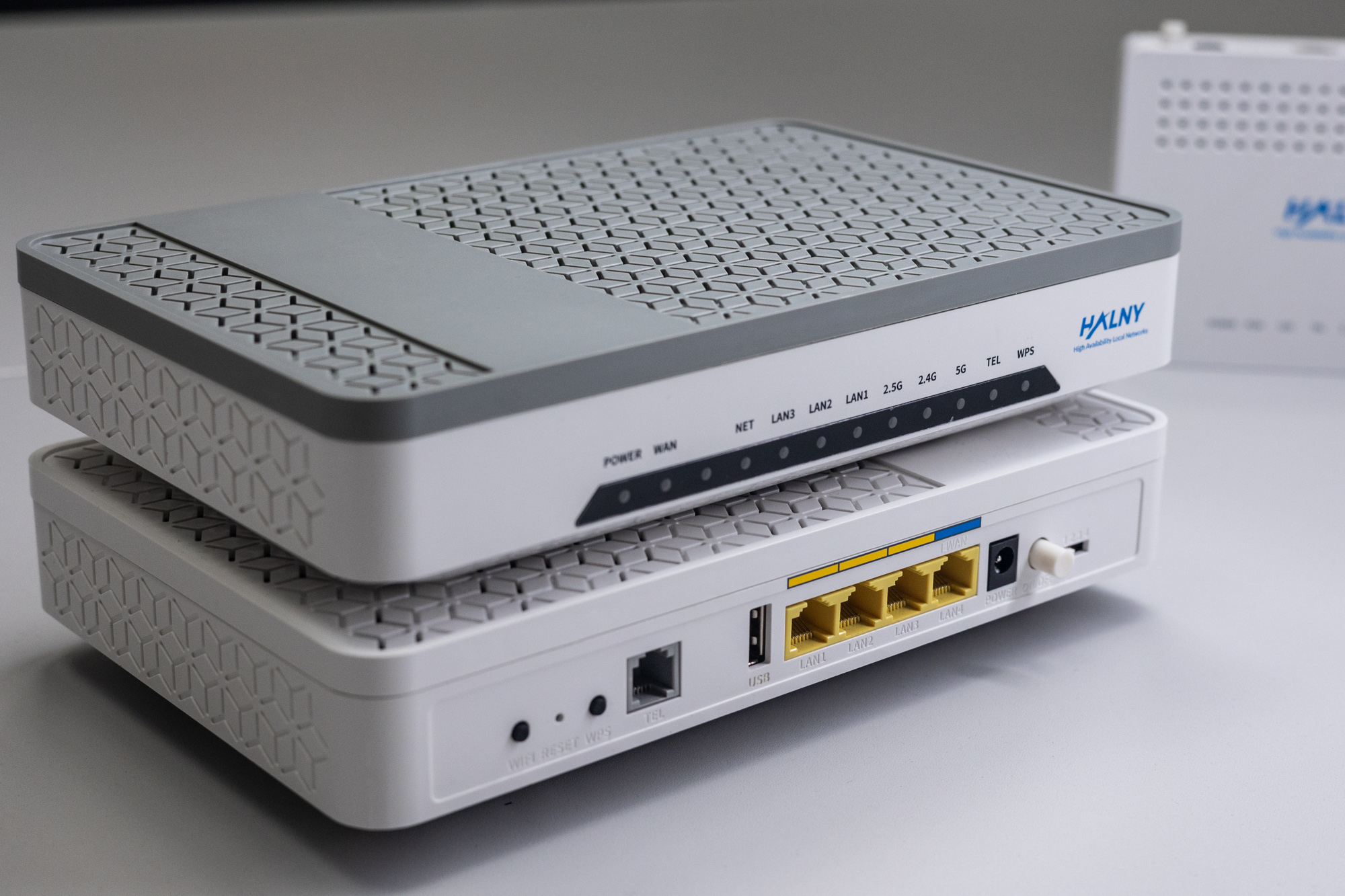
HALNy Integration
Supported SFU service scenarios
Attention: Before configuring ONT you must change vendor serial number!
- Log to ONT via LAN: 192.168.33.1/cgi-bin/vendor-support.asp
- Change Vendor to FIBERHOME FHTT
- Apply configuration, ONT will reboot
More information regarding ONT vendor serial number change can be found here
1. ONT configuration (Access mode, only INTERNET)

ONT was connect to the GPON port 2 with ONU_ID 10.
1. Register ONT on GPON port.
Admin\onu# set whitelist phy_addr address HALN086047b8 password null action add slot 1 pon 2 onu 10 type 5506-01-A12. Create ip-host 1 configuration (VLAN 400).
Admin\onu\lan#set veip_mgr_par slot 1 pon 2 onu 10 veip_port 1 port_type veip mgr_channel enable model tr069 item 1
Admin\onu\lan# set veip_mgr_vlan slot 1 pon 2 onu 10 veip_port 1 mgr_id 1 name IPHOST tag_type tag cvlan_label 0x8100 cvlanid 400 cvlan_cos 0
Admin\onu\lan# apply veip_mgr_vlan slot 1 pon 2 onu 10
3. Add VLAN configuration.
Admin\onu\lan# set epon slot 1 pon 2 onu 10 port 1 service number 1
Admin\onu\lan# set epon slot 1 pon 2 onu 10 port 1 service 1 vlan_mode tag 0 0x8100 100
Admin\onu\lan# set epon slot 1 pon 2 onu 10 port 1 service 1 pvlan 0 100
Admin\onu\lan# set epon slot 1 pon 2 onu 10 port 1 service 1 type unicast
Admin\onu\lan# apply onu 1 2 10 vlan
4. Check services added to ONT.
Admin\onu\lan# show onufe_service slot 1 pon 8 onu 13

NO.  SL/LI/ONU PORT ID TYPE  MODE CVID COS  TPID  TVID COS  TPID  SVID COS  TPID PVID COS DATATYPE PRIQUE GEMPORT
1    1 /8 /13  1    1  unica tag  100  0    0     null null null  null null null  null 100  default default default
2. ONT configuration (Access mode, only IPTV)

ONT was connect to the GPON port 2 with ONU_ID 11.
1. Register ONT on GPON port.
Admin\onu# set whitelist phy_addr address HALN086047b8 password null action add slot 1 pon 2 onu 11 type 5506-01-A12. Create ip-host 1 configuration (VLAN 400).
Admin\onu\lan# set veip_mgr_par slot 1 pon 2 onu 11 veip_port 1 port_type veip mgr_channel enable model tr069 item 1
Admin\onu\lan# set veip_mgr_vlan slot 1 pon 2 onu 11 veip_port 1 mgr_id 1 name IPHOST tag_type tag cvlan_label 0x8100 cvlanid 400 cvlan_cos 0
Admin\onu\lan# apply veip_mgr_vlan slot 1 pon 2 onu 11
3. Add VLAN configuration.
Admin\onu\lan# set epon slot 1 pon 2 onu 11 port 1 service number 1
Admin\onu\lan# set epon slot 1 pon 2 onu 11 port 1 service 1 vlan_mode tag 5 0x8100 200
Admin\onu\lan# set epon slot 1 pon 2 onu 11 port 1 service 1 pvlan 5 200
Admin\onu\lan# set epon slot 1 pon 2 onu 11 port 1 service 1 type multicast
Admin\onu\lan# apply onu 1 2 11 vlan
4. Check services added to ONT.
Admin\onu# show onu service-info slot 1 pon 2 onu 11
FE service info :

NO.  SL/LI/ONU PORT ID TYPE  MODE CVID COS  TPID  TVID COS  TPID  SVID COS  TPID PVID COS DATATYPE PRIQUE GEMPORT
1    1 /2 /11  1    1  multi tag  200  5    33024     null null null  null null null  5    200  default default default
3. ONT configuration (TRANSPARENT mode)

ONT was connect to the GPON port 2 with ONU_ID 12.
1. Register ONT on GPON port.
Admin\onu# set whitelist phy_addr address HALN086047b8 password null action add slot 1 pon 2 onu 12 type 5506-01-A12. Create ip-host 1 configuration (VLAN 400).
Admin\onu\lan# set veip_mgr_par slot 1 pon 2 onu 12 veip_port 1 port_type veip mgr_channel enable model tr069 item 1
Admin\onu\lan# set veip_mgr_vlan slot 1 pon 2 onu 12 veip_port 1 mgr_id 1 name IPHOST tag_type tag cvlan_label 0x8100 cvlanid 400 cvlan_cos 0
Admin\onu\lan# apply veip_mgr_vlan slot 1 pon 2 onu 12
3. Add VLAN configuration.
Admin\onu\lan# set epon slot 1 pon 2 onu 12 port 1 service number 3
Admin\onu\lan# set epon slot 1 pon 2 onu 12 port 1 service 1 vlan_mode transparent 0 0x8100 100
Admin\onu\lan# set epon slot 1 pon 2 onu 12 port 1 service 1 type unicast
Admin\onu\lan# set epon slot 1 pon 2 onu 12 port 1 service 2 vlan_mode transparent 0 0x8100 200
Admin\onu\lan# set epon slot 1 pon 2 onu 12 port 1 service 2 type multicast
Admin\onu\lan# set epon slot 1 pon 2 onu 12 port 1 service 3 vlan_mode transparent 0 0x8100 300
Admin\onu\lan# set epon slot 1 pon 2 onu 12 port 1 service 3 type unicast
Admin\onu\lan# apply onu 1 2 12 vlan
4. Check services added to ONT.
Admin\onu\lan# show onufe_service slot 1 pon 2 onu 12

NO.  SL/LI/ONU PORT ID TYPE  MODE CVID COS  TPID  TVID COS  TPID  SVID COS  TPID PVID COS DATATYPE PRIQUE GEMPORT
1    1 /2 /12  1    1  unica tran 100  0    0     null null null  null null null  null null default default default
2    1 /2 /12  1    2  multi tran 200  0    0     null null null  null null null  null null default default default
3    1 /2 /12  1    3  unica tran 300  0    0     null null null  null null null  null null default default default
ONT Managment
Note: Most provisioning and upgrade options below require ONT to have a valid IP Host setup. For detailed information regarding IP Host click here.
| Method | Configuration | Upgrade |
| Rest API V2 | [Example] | – |
| XML Provisioning [DHCP 66/67, WEB] | [Example] | – |
| OTT | – | [Example] |
| OLT CLI | – | – |
| TR-069 [DHCP 43] | [Example] | [Example] |
| WEB | [Example] | [Example] |
| Found something we can improve? Let us know at support@halny.com |
