
Have a Question?
[CALIX] E7-2 OLT Integration with HALNy HGU
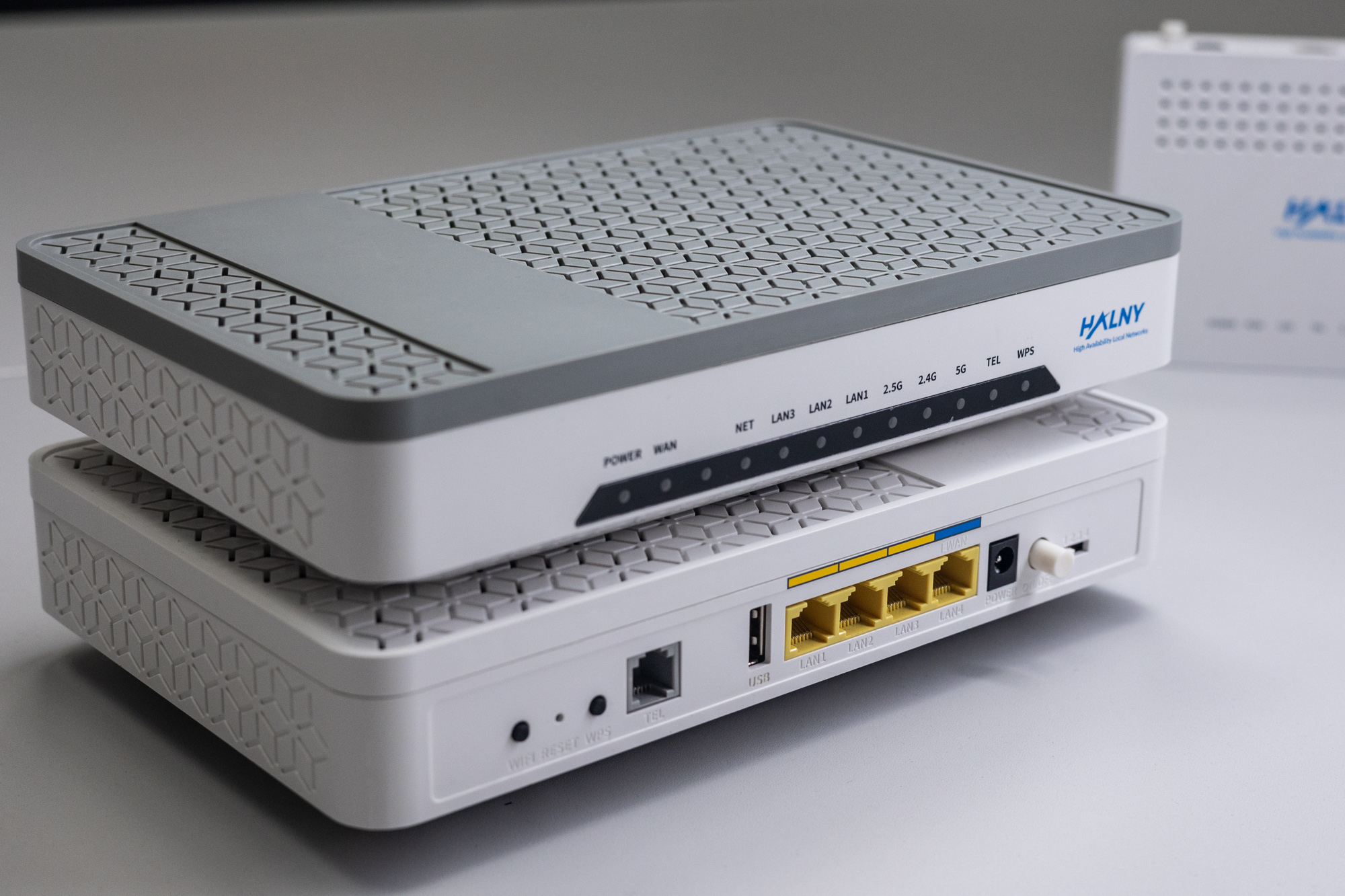
HALNy Integration
Supported service scenarios
1. ONT configuration (Bridge access/Router NAT/PPPoE – INTERNET, IPTV, VoIP)

Attention: Following configuration example is based on the HL-4GMV2 model, which features 4 LAN ports, 2 POTS port. Adjust the configuration/services as needed to suit your ONT model.
1. CALIX OLT: ONTs > PROFILES > ONT PROFILE > PROFILES > CREATE:
    - NAME should be set as ONTMODEL_CXNK (e.g HL-4GMV2_CXNK)
    - VENDOR should be set as CXNK
    - MODEL should be set as ONTMODEL (e.g HL-4GMV2)
    - Profile should have defined ONT physical ports count (VOICE, GIG ETH, RF VIDEO)
    - ETH OAM CAPABLE should be "N"
    - CONVERT MULTICAST CAPABLE should be "N"
    - RESIDENTIAL GATEWAY should be "1"
    - FULL BRIDGE should be "1„
- DEFAULT TO RG MODE can be "Y" or "N" ( "Y" is recomended) 
2. Add ONT to GPON port (ONTs > DISCOVERED ONTS > Link to new Provisioning)

Set below values
Choose between “System assigned ID” or “User Assigned ID”
ONT ID: UNUSED ID
ONT PROFILE: PREVIOUSLY CREATED ONT PROFILE 
3. Check if ONT is properly added (ONTs > PROVISIONING > click on ONT ID (e.g. 32))

4.Create DBA profile (E7 > PROFILES > SERVICE > ETHERNET BANDWIDTH > PROFILES > CREATE)

Set Name and Upstream Rate
5. Create multicast profile for IPTV services (E7 > PROFILES > SERVICE > MULTICAST > MULTICAST > PROFILES > CREATE)

Fill Name and click CREATE
Specify Max Streams count
6. Add mach-list for VLAN 100 (Internet service) (E7 > PROFILES > SERVICE > TAGGING > MATCH LISTS > PROFILES > CREATE)

Set Match List name 
Double-click on newly created match-list (VLAN_100) and add new Tagged Match Rule

Set S-VLAN ID to 100 
Set Match List name 
Double-click on newly created match-list (VLAN_200) and add new Tagged Match RuleSet S-VLAN ID to 200 
8. Add mach-list for VLAN 300 (VoIP service) (E7 > PROFILES > SERVICE > TAGGING > MATCH LISTS > PROFILES > CREATE)

Set Match List name
Double-click on newly created match-list (ADD_VLAN_300) and add new Untagged Match Rule 
Leave all parameters default 
9. Create VLAN TAGGING ACTION for VLAN 100 (Internet service) (E7 > PROFILES > SERVICE > TAGGING > TAG ACTIONS > PROFILES > CREATE)

Fill all necessery fields, and click CREATE 
10. Create VLAN TAGGING ACTION for VLAN 200 (IPTV service) (E7 > PROFILES > SERVICE > TAGGING > TAG ACTIONS > PROFILES > CREATE)

Fill all necessery fields, and click CREATE 
11. Create VLAN TAGGING ACTION for VLAN 300 (VOIP service) (E7 > PROFILES > SERVICE > TAGGING > TAG ACTIONS > PROFILES > CREATE)

Fill all necessery fields, and click CREATE
Note that Outer P-Bit MUST be set to 5 or higher, Action – Add tag with match list ADD_VLAN_300 
12. ONT PORT MAPPING (E7 > SHELF > CARD > GPON > ONT > PORTS > PROVISIONING > CLICK ON PORT GE)
Set PORT eth1-2 to RG1(for INTERNET), and eth3-4 to FB1 (for IPTV) 
Click on every port GE-1 to GE-4 and set Interface to RG1(router/nat) or FB1(bridge)
according to your preferences.
Attention: On devices capable with SFU mode, GE-1 port MUST be linked with RG-1 interface. Otherwise, ONT will automatically switch to SFU mode!


13. Configure Voip Profile (E7 > PROFILES > SERVICE > SIP GW > PROFILES > CREATE)

Fill in values according to your preferences
14. ONT Services configuration – 3Play (Internet) (E7 > SHELF > CARD > GPON > ONT > SERVICES > TABLE> CREATE > GATEWAY SERVICE)

Select Subscriber Port, Service Name, BW Profile and Service Tag Action from drop-down menu 
15. ONT Services configuration – 3Play (IPTV) (E7 > SHELF > CARD > GPON > ONT > SERVICES > TABLE> CREATE > VIDEO SERVICE)

Select Subscriber Port, Service Name, BW Profile and Service Tag Action from drop-down menu 
16. ONT Services configuration – 3Play (VoIP) (E7 > SHELF > CARD > GPON > ONT > SERVICES > TABLE> CREATE > SIP SERVICE)

Select Subscriber Port, Dal Plan, SIP Profile and Service Tag Action from drop-down menu.
Set URI, User Name and Password 
Configured services should look like below:
17. ONT Remote access (OPTIONAL) (E7 > ONTS > PROVISIONED ONTS > PORTS > PROVISIONING > ONT ID RG1 )
Set Remote Access Time to any value (in minutes) to gain remote access to ONT via WAN IP interface on port 8080 
ONT Managment
Note: Most provisioning and upgrade options below require ONT to have a valid IP Host setup. For detailed information regarding IP Host click here.
| Method | Configuration | Upgrade |
| Rest API V2 | – | – |
| XML Provisioning | – | – |
| OTT | – | – |
| OLT CLI | – | [Example] |
| TR-069 [OLT CLI] | [Example] | [Example] |
| WEB | – | [Example] |
| Found something we can improve? Let us know at support@halny.com |
