When you want to connect a new ONT to your OLT which has 3-rd party ONT block by GPON Serial Number you may do it with instruction below
How to change vendor support
Enter ONT WWW interface 192.168.33.1:80
Log in to the ONT (admin account)
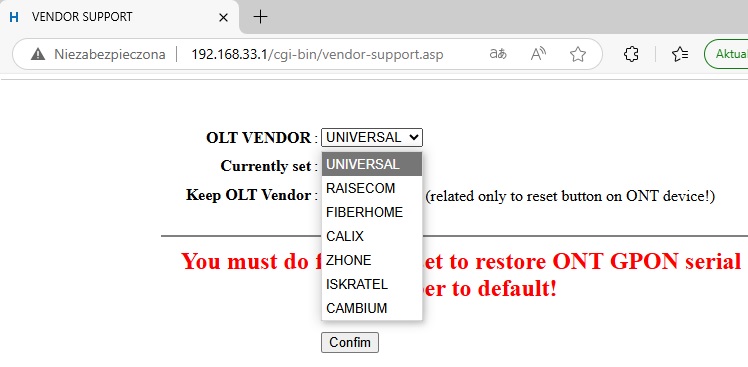
3. Enter url192.168.33.1/cgi-bin/vendor-support.asp 4. Set needed OLT Vendor
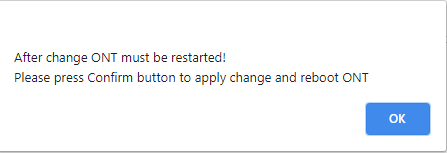
After confirmation ONT will reboot and start-up with new GPON Serial Numer
Keep OLT Vendor
You may set KEEP OLT VENDORflag to prevent ONT restore its default GPON Serial Number. It means if client does factory defaults via WWW (user account) or by pressing physical button – ONT will be restore to factory and GPONSerial Number will not be restored.